Turn inquiries into opportunities.
Track general contractor inquiries and bid requests in your lead pipeline, together with contacts and follow-ups.
Manage drywall takeoffs, estimate stages, installation crews and progress invoicing across active jobs.
Core CRM workflows implemented · Early access in preparationStructure & exterior
Scheduling installation and finishing teams around other trades.
UltraConstruct brings together the core business workflows that support your work—from incoming requests and estimates to job coordination, daily updates and billing.
See implemented featuresA repeatable process for your trade, built on UltraConstruct's implemented lead, estimate, job and invoice tools.
Track general contractor inquiries and bid requests in your lead pipeline, together with contacts and follow-ups.
Build estimates around board quantities and finish levels, with pricing and approval stages in one place.
Coordinate hanging crews, finishing tasks and site notes through jobs, schedules, tasks, daily logs and checklists.
Prepare and track completed phase invoices; keep outstanding balances visible.
Follow bid requests and next steps in a visual lead pipeline. Move the right jobs forward without relying on scattered notes and spreadsheets.
Explore lead management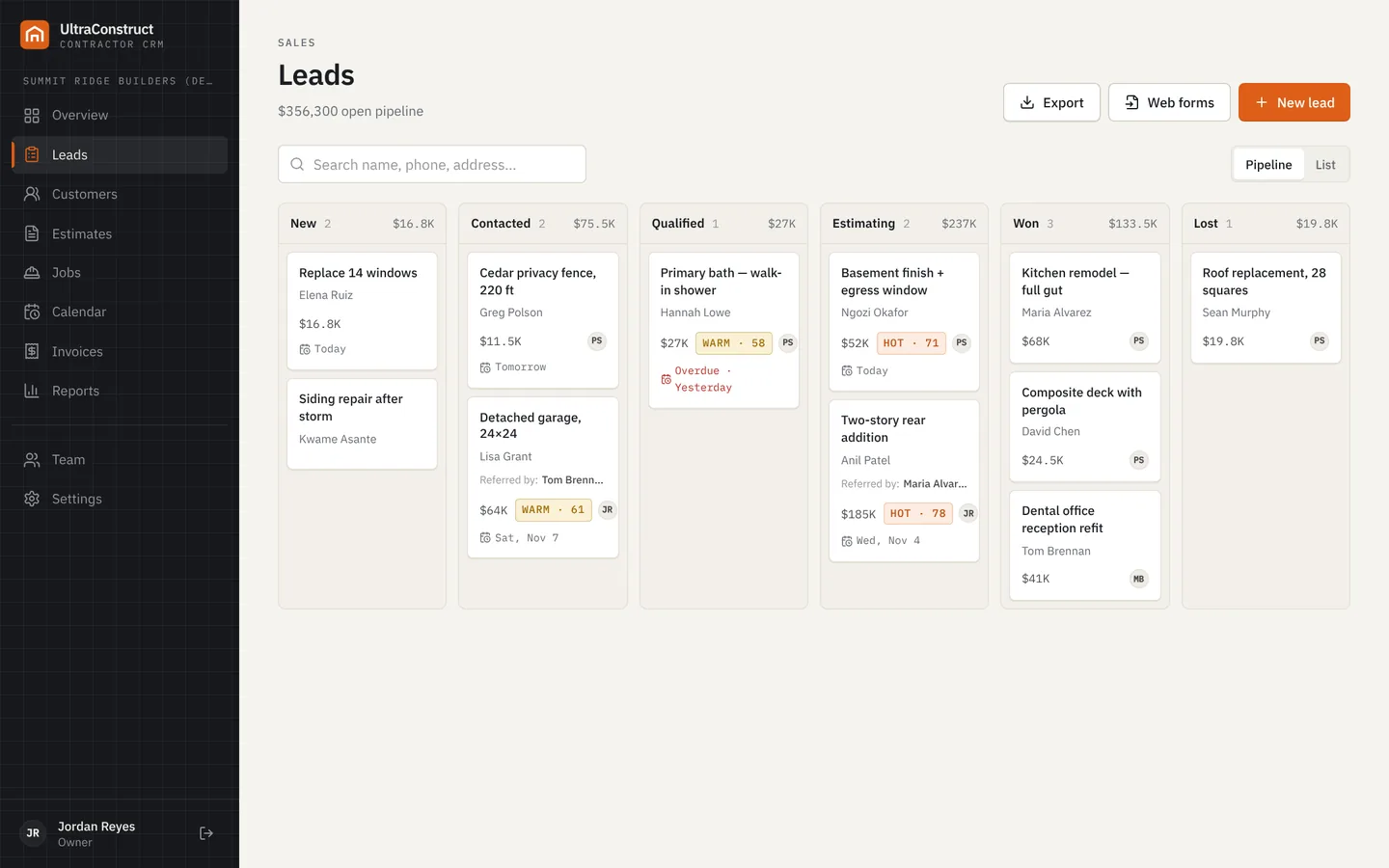
Use job boards, shared scheduling, daily logs and checklists to keep your field work organized as priorities change.
Explore job management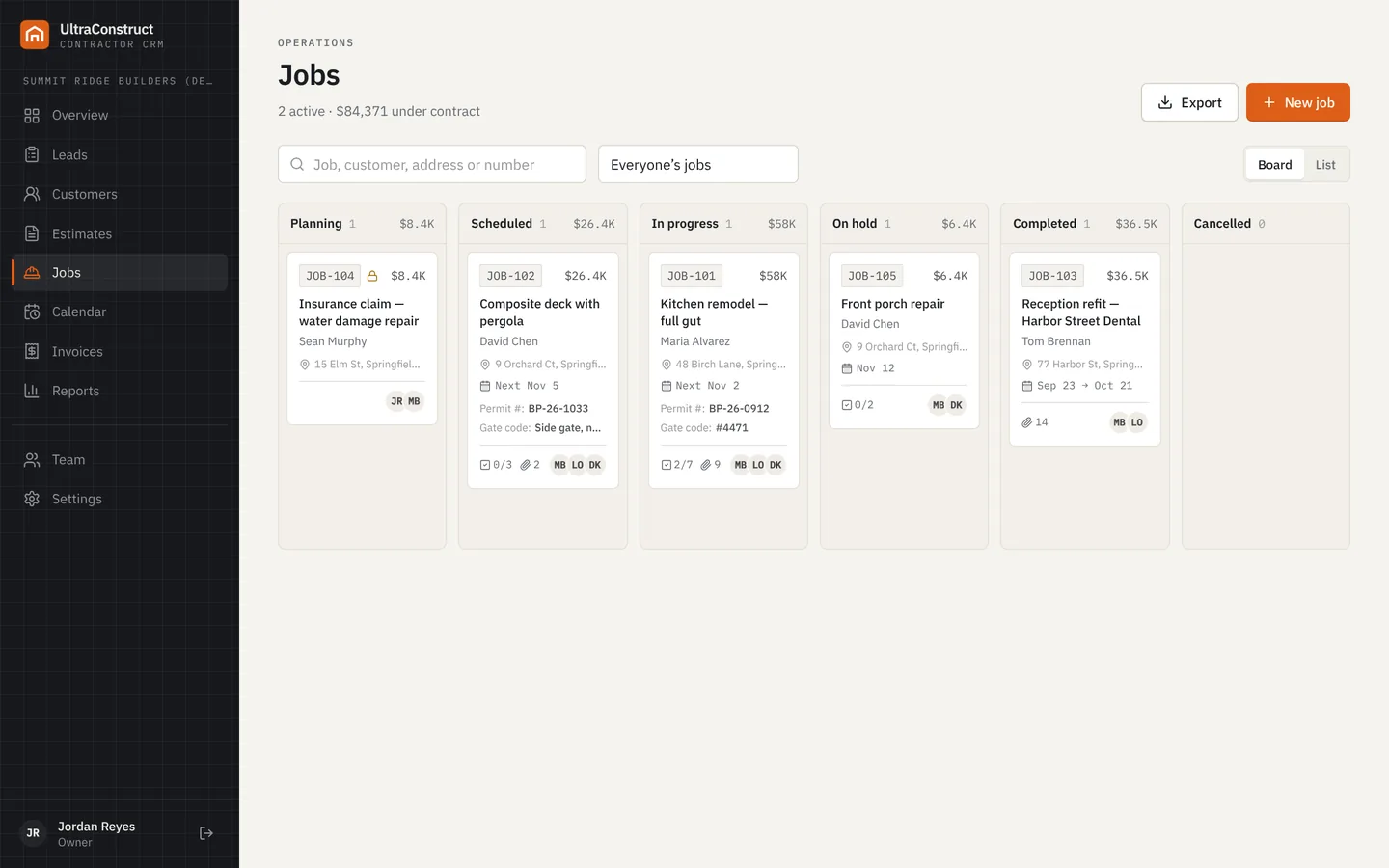
These are existing core CRM capabilities, not promises of specialized trade-only modules.
Follow every inquiry, contact and sales opportunity in one pipeline.
Explore featureCreate detailed bids and track decisions before work begins.
Explore featureSee assignments and appointments across your team.
Explore featureKeep tasks, responsibilities and daily site updates organized.
Explore featureManage deposit, progress and final invoices, with balances in view.
Explore featureTrack active projects and key status information in one place.
Explore featureChange orders, job costing, purchase orders, electronic signatures, a customer portal and accounting integrations are planned—not currently available as production-ready features.
Clear information about what UltraConstruct does today and what's still ahead.
UltraConstruct's core job and estimate workflows can be used to organize drywall hanging, taping and finishing, drywall repairs and other work your company performs. Trade-specific native modules are not implied by this page.
Crew scheduling, tasks, daily logs, itemized estimates, invoices and recorded payments are implemented in the CRM codebase. UltraConstruct is preparing for early access; live production integrations are still being validated.
Not yet. Job costing and change orders are planned features, not part of the currently implemented core workflow.
UltraConstruct is preparing for early access. Join the list for product updates and launch information.
Join the early-access list